Ibarski put 31, Nevade, 32300 G.Milanovac, Srbija

Request a Quote
SR | EN
Prepress studio at Stamparija RP: preparing printing plates for flexo printing
Prepress studio

From your file
to the printing plate

Technical preparation is the foundation of a quality label. Before the machine ever starts running, your design goes through technical analysis, color separation, proof preparation for approval, and production of the photopolymer printing plates. Every step is checked and documented.

Please note: We do not offer design services. Your designers know your customers best. We provide technical guidance on the capabilities and specifics of flexo printing.
1 File Received
2 Technical Analysis
3 Color Separation
4 Star Proof
5 Approval
6 Printing Plates
Ivan Stojiljković · Ivan Kolaković Prepress · +381 64 64 133 75
01File Preparation

How to Prepare Your File for Flexo Label Printing

The quality of the finished label depends directly on the quality of the input file. We need a vector format with properly defined colors, fonts converted to outlines, and a resolution sufficient for flexo reproduction. Below are the exact specifications your designer needs to follow.

If you're not sure whether your file is print ready, send it to us. Our prepress team will run a technical review and let you know if anything needs correcting before production starts.
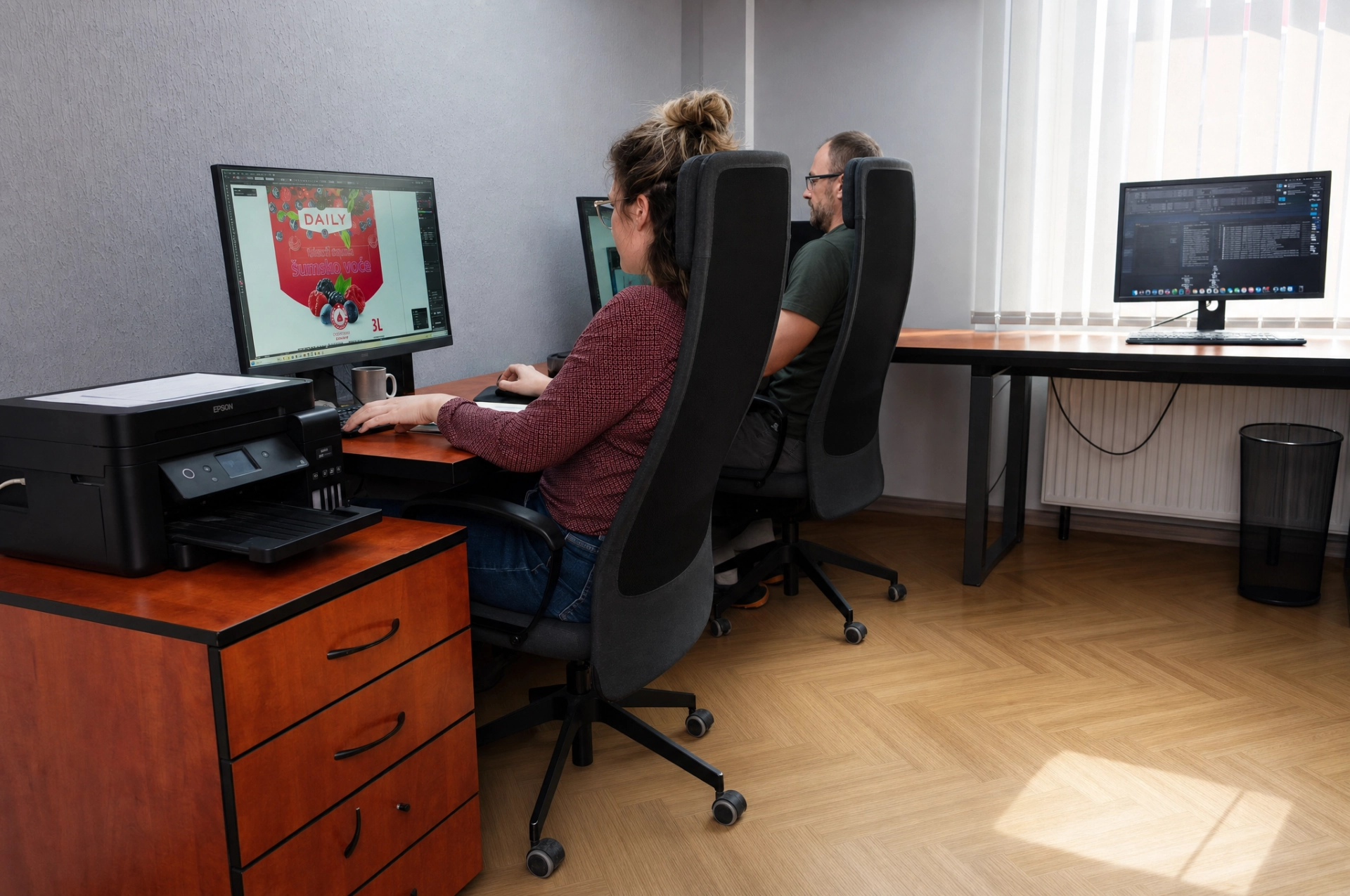
Label file preparation for flexo printing at the Stamparija RP prepress studio
File Format
AI, EPS, PDF (vector)
Colors
Pantone spot or CMYK
Fonts
Converted to outlines
Resolution of Raster Elements
Min. 300 dpi at final size
Maximum Number of Colors
Up to 9 (including UV varnish)
Minimum Line Thickness
Positive 0.15 mm / Negative 0.3 mm
Trapping
0.1 to 0.15 mm (or leave it to us)
Barcodes
Vector, min. BWR 80%
Not sure? Send us the file as it is, and our prepress team will run a free technical review and let you know what needs correcting.
02Technical Review

Every File Goes Through a Check Before Printing

We always offer customers guidance on the specifics and capabilities of our printing. We don't do design work, but we review every file and flag potential problems early, before they reach the press. That saves time, material, and money, for you and for us.

Light booth for color evaluation, color sample fans, and a thermal transfer printer in prepress
Resolution and Vector CheckAll raster elements (photos, textures) must have a minimum of 300 dpi at the final label size. Low-resolution elements result in a blurry print that can't be fixed on the press. Vector elements (logo, text, lines) must be clean and free of unnecessary points.
Color Separation CheckEach color in the design becomes a separate separation, gets its own printing plate, and requires its own unit on the press. We check whether Pantone spot colors are correctly defined, whether the CMYK values match the intended result, and whether the total number of colors is within the machine's capacity (up to 9).
Trapping and OverprintFlexo printing requires trapping (color overlap at the seams) of 0.1 to 0.15 mm to avoid a white line where two colors meet. If trapping hasn't been done in the file, our prepress team adds it before producing the separations.
Barcode and Fine Text LegibilityBarcodes must be in vector form with a minimum BWR (Bar Width Reduction) of 80% for flexo reproduction. Fine text below 5pt in positive or 7pt in negative (white on dark) can become illegible after printing. We pay special attention to these elements.
03Contract Proof

Star Proof: See the Label Before We Start the Press

Star Proof is a solution for producing a high-quality contract proof on inkjet printers, quickly and economically. The Actual Dot system replicates the original appearance: an accurate dot, a sharp image, precisely defined color and detail, matching how it will look coming off the press.

Your written approval of the proof is a required step before production begins. This eliminates the risk of misunderstandings about color, text, or the layout of elements.
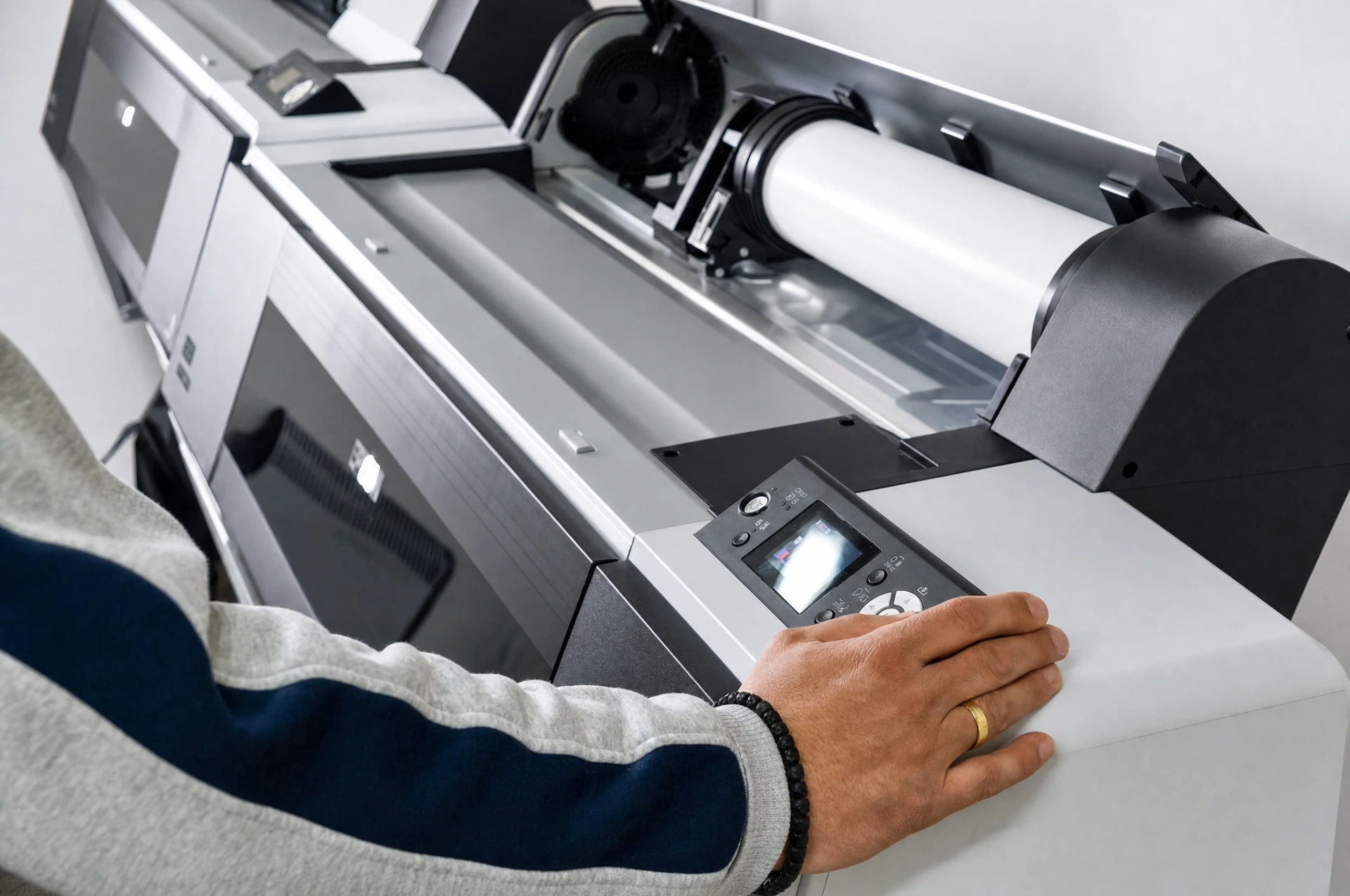
Producing a contract proof on a large-format printer at Stamparija RP
Actual Dot SystemStar Proof replicates actual printing dots on the proof, instead of simulating them. That means the proof shows exactly how tonal transitions, screening, and fine lines will look, not approximately but exactly. This is a key difference from an ordinary inkjet print.
ROOM Proofing ArchitectureThe ROOM proofing architecture ensures the same high-quality resolution on the separations that are later used in production. The proof and the final print are matched: what you approve on the proof is what you'll get on the press.
Written Approval Before PrintingWe send you the proof physically or digitally. Your written approval is required before production starts. If you notice any error or want a correction, now is the time, since once approved, the press starts running.
Fast and EconomicalStar Proof is produced on an inkjet printer, which is significantly faster and cheaper than a traditional proof run on the printing press. This lets you see the result and request corrections without the cost of restarting production.
Prepress Live

See Where Your Label Is Made

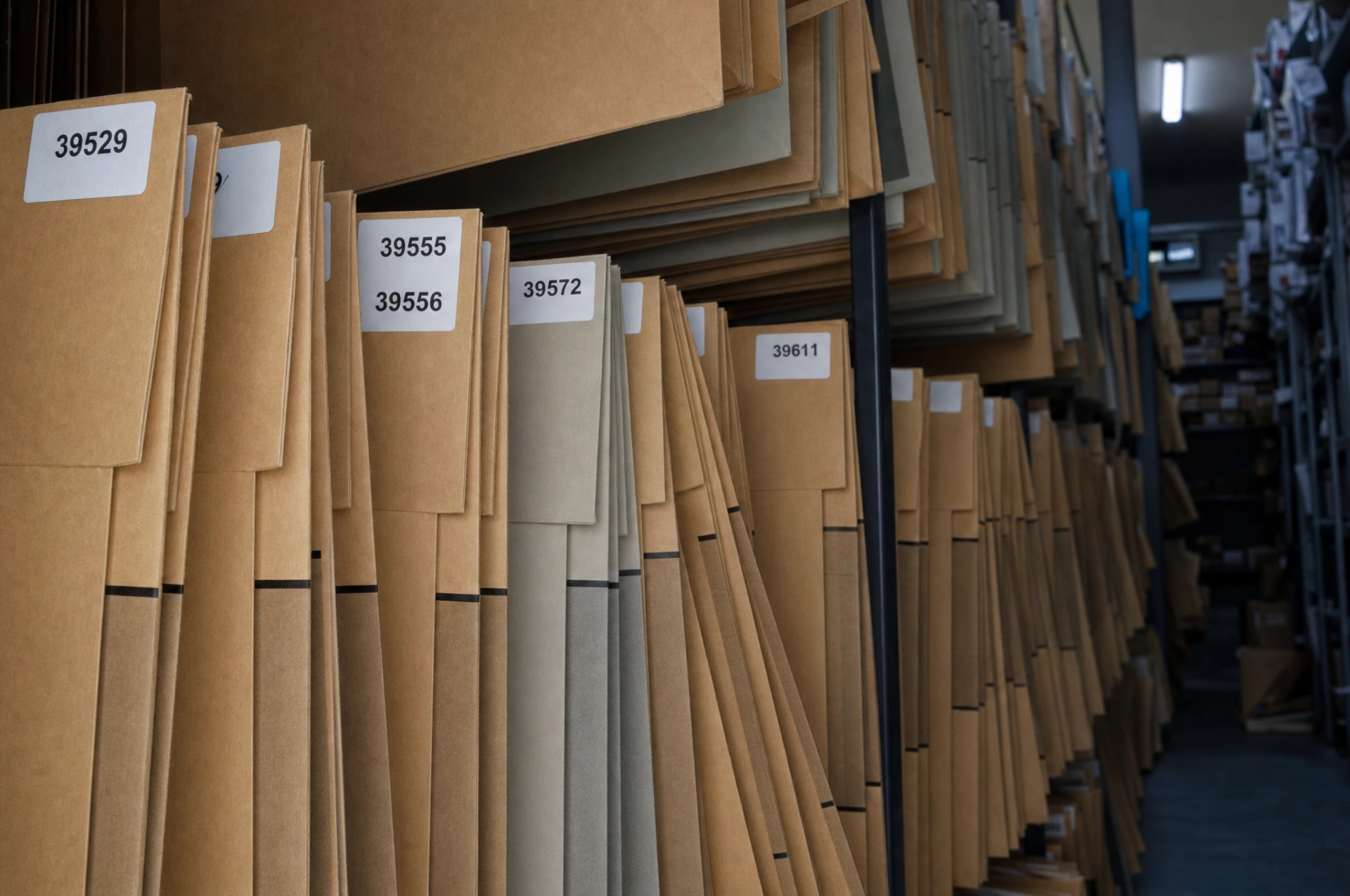
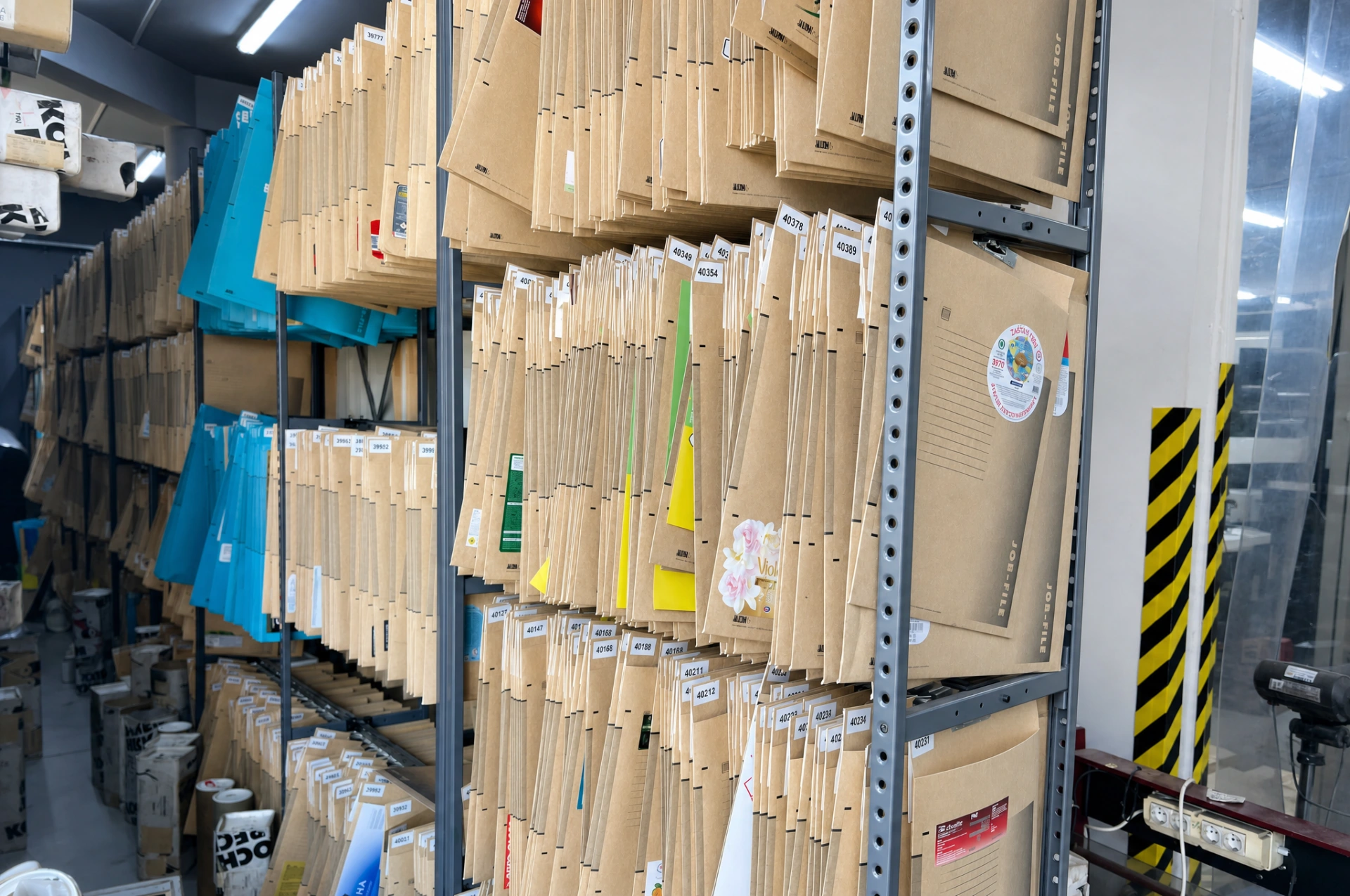
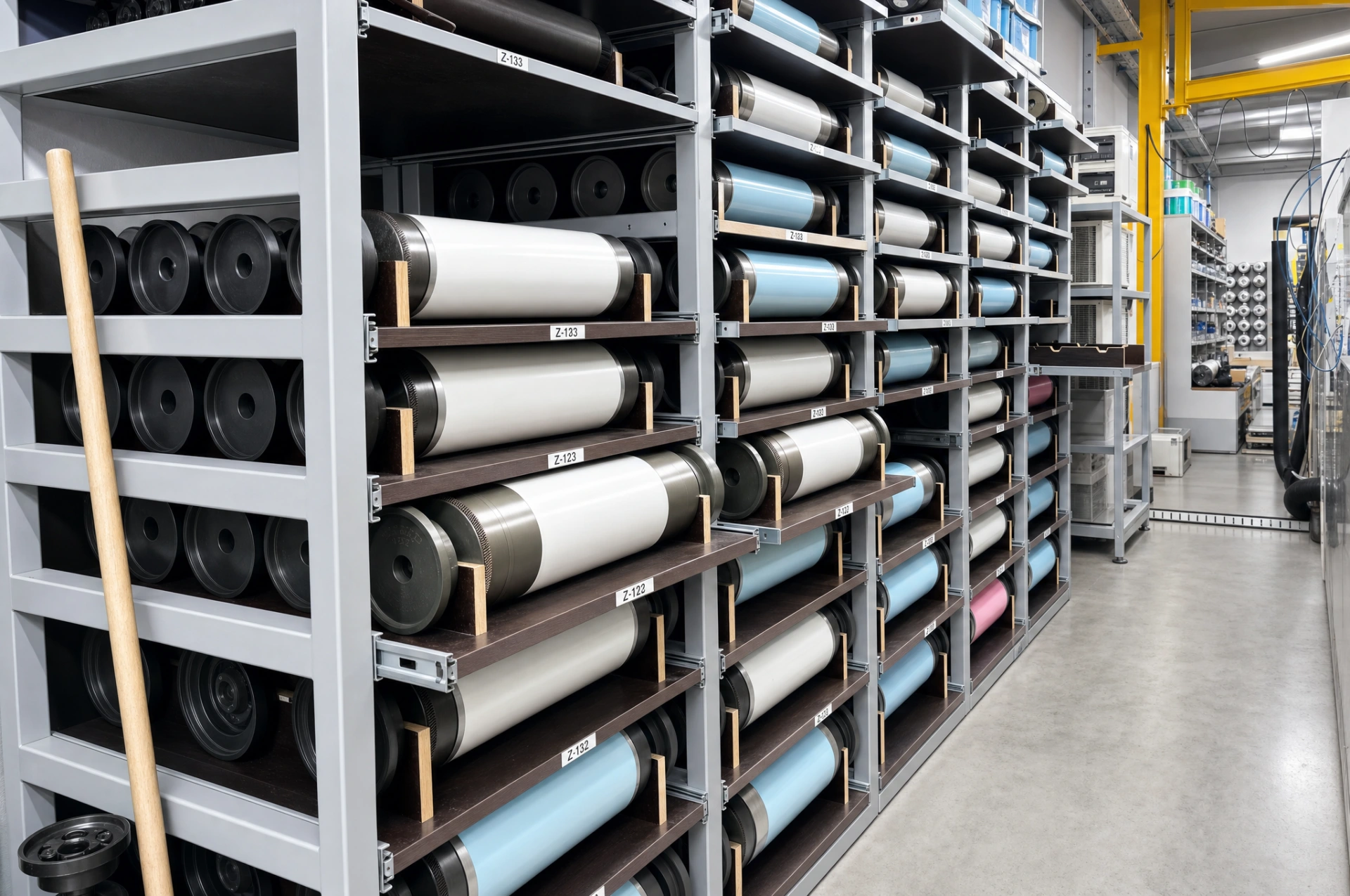
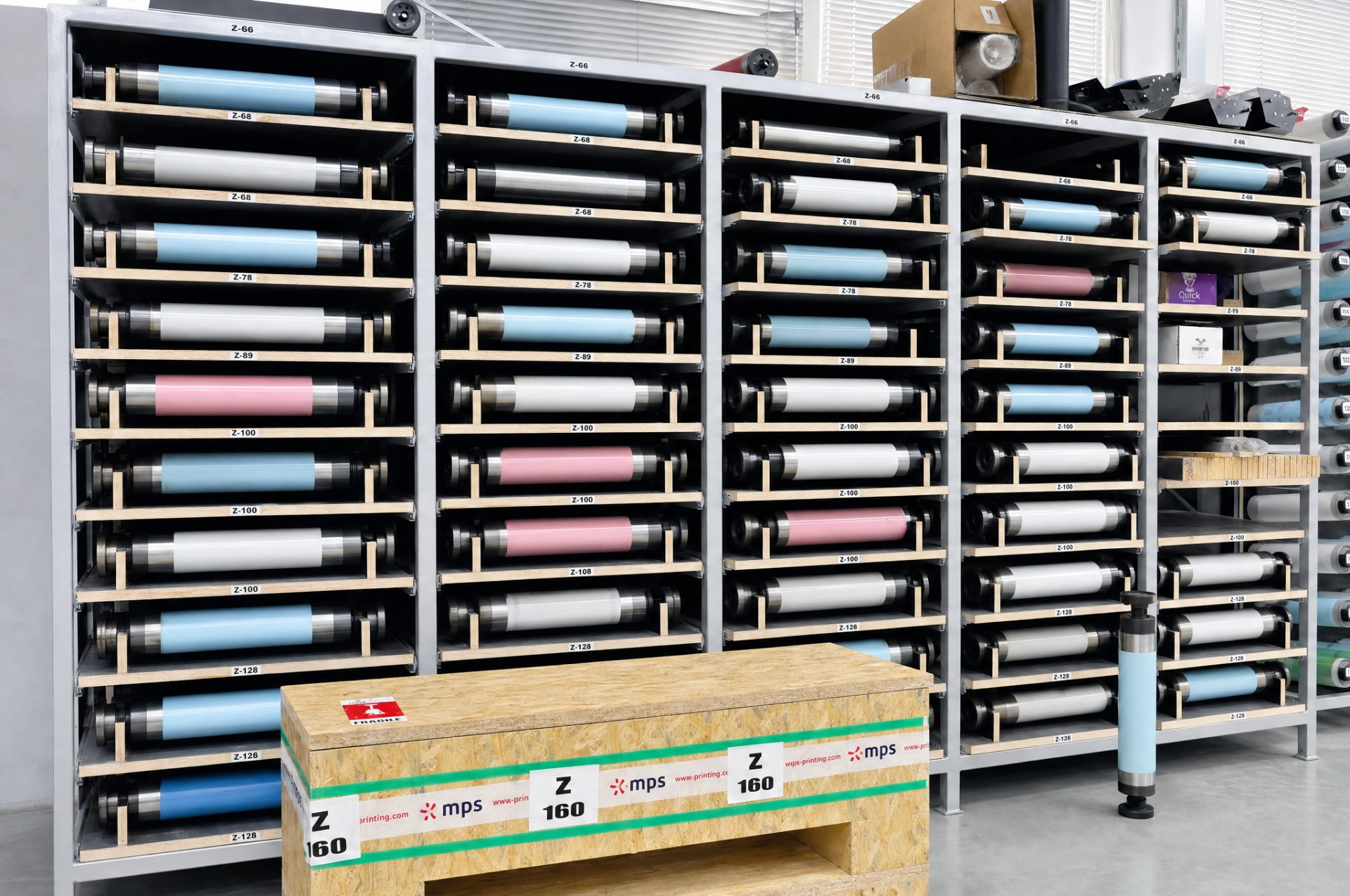
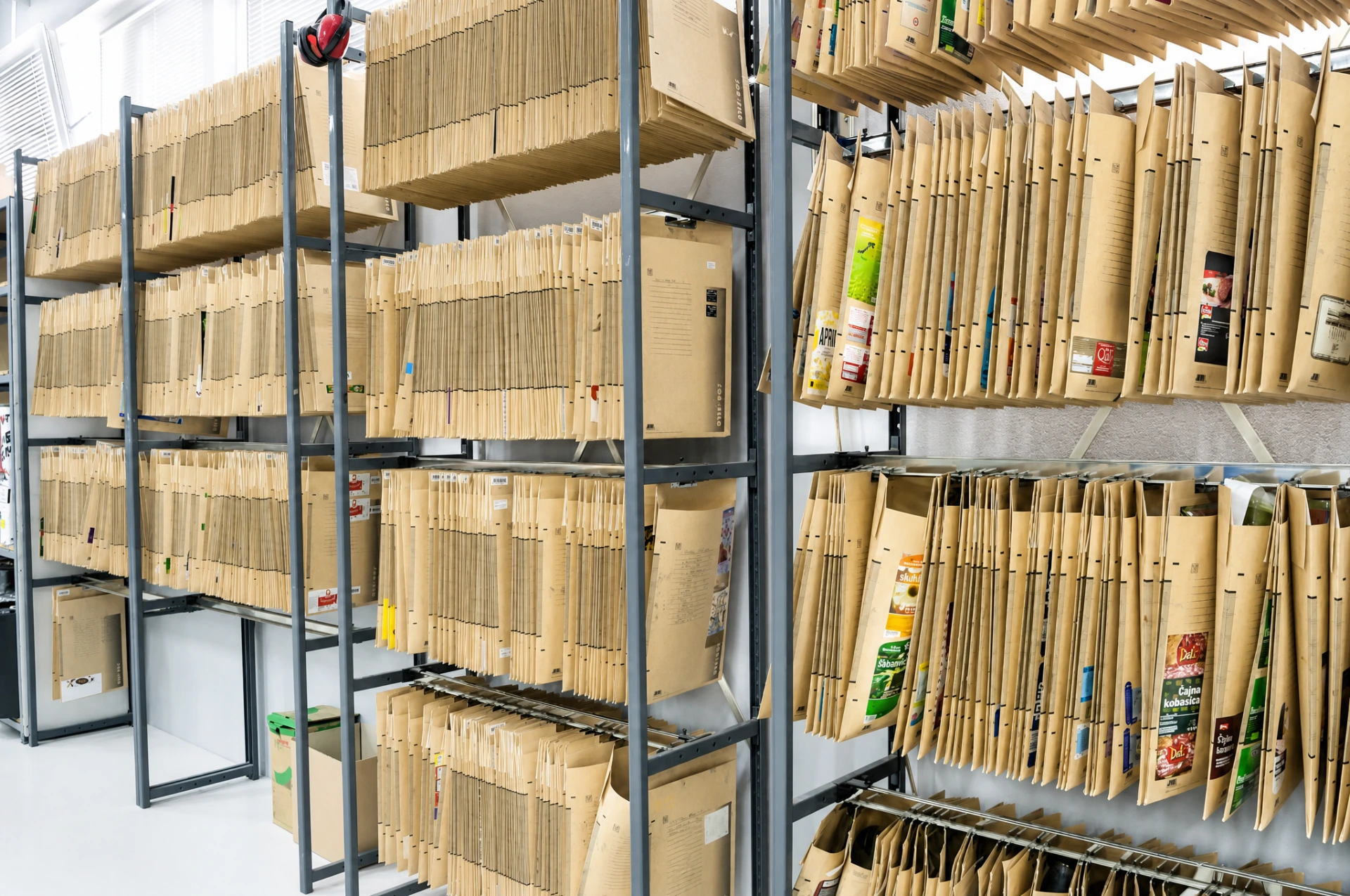
Eleven photos from the prepress sector of Stamparija RP. The top row follows the path from file to approved proof: work on preparation, the light booth for color evaluation, and the large-format printer where the proof is produced. The bottom row shows what remains after printing: an archive of work orders by job number and shelves of printing plates waiting for their next run.

Drag a row left or right, click a photo to enlarge it Swipe left or right, tap a photo to enlarge it
Label file preparation for flexo printing at the Stamparija RP prepress studio
Stamparija RP prepress studio with a workstation and two printers for producing proofs
Light booth for color evaluation, color sample fans, and a thermal transfer printer in prepress
Producing a contract proof on a large-format printer at Stamparija RP
Large-format printer producing a Star Proof print in the prepress studio
Stamparija RP prepress archive on shelving, folders arranged by job number
Stamparija RP work order archive in folders labeled by job number
Shelves with archived printing plates and preparation materials arranged by work order
Shelves with mounted printing plates and rollers in the Stamparija RP prepress storage area
Wall with mounted printing plates, a plate mounting machine, and a roll of finished labels
Shelving with mounted printing plates arranged by job in the Stamparija RP prepress area
Frequently Asked Questions

Preparing a File for Printing and Answers for Your Design Team

Practical questions our customers' designers and brand managers ask before sending a file: formats, colors, proofing, turnaround.

Categories
Prepress
Send us your file for a free technical review.
Send File

We accept AI (Adobe Illustrator), EPS (Encapsulated PostScript), and PDF, all in vector format. Fonts must be converted to outlines, and colors defined as Pantone spot or CMYK. If you only have a raster file (TIFF, PSD), the resolution must be a minimum of 300 dpi at the final label size. Not sure whether your file is ready? Send it as it is. We'll review it for free and let you know what needs correcting.

Technical prepress only. Your designers know your customers best and shape your products accordingly. We don't get involved in the creative process. What we do is review the file, check the separations, add trapping, prepare the proof, and check compatibility with our machines. We advise you on the specifics of flexo printing so your designer knows what to account for before finalizing the design.

Trapping is a minimal overlap between adjacent colors (0.1 to 0.15 mm) that prevents a white line from appearing where two colors meet, caused by microscopic material shifts on the press during printing. You don't need to do it yourself. If trapping hasn't been done in your file, our prepress team adds it before producing the separations. But if your designer wants to control the trapping, have them set it to 0.1 mm.

For positive text (dark letters on a light background), the minimum recommended size is 5 pt. For negative text (light letters on a dark background), the minimum is 7 pt, since ink spreads into the thin gap between the letter strokes and the text becomes illegible. Serif fonts are especially problematic at small sizes in flexo printing. We recommend sans-serif fonts for fine text on labels.

Up to 9 colors in a single pass, or 8 colors plus UV varnish. Each color requires its own separation and its own unit on the press. Example: if you use CMYK (4 process colors) plus one Pantone spot color plus UV varnish, that's 6 of the possible 9. You can use the remaining three for a white base on transparent material, a second spot color, or a special effect such as a metallic color.

Each Pantone color must be defined as a spot color with the exact code, for example Pantone 186 C for red. Don't convert Pantone to CMYK in your file. We handle that in prepress if needed, since the conversion depends on the material being printed on. If you're using a combination of CMYK and spot colors, clearly mark which are spot and which are process. The total number of colors, including any UV varnish, can't exceed 9.

The barcode must be in vector format, never as a raster image. A pixelated barcode is unreadable to a scanner. The recommended BWR (Bar Width Reduction) is a minimum of 80% for flexo reproduction, since ink on the plate spreads slightly during transfer. Without BWR, thin bars become thicker and the scanner won't recognize them. If you're not sure about BWR, leave the barcode without reduction. Our prepress team will adjust it for flexo.

Star Proof is a contract proof that shows you exactly how the label will look before we start the press. It uses the Actual Dot system, which replicates actual printing dots instead of simulating them: tonal transitions, screening, and fine lines on the proof match the final label. This isn't the same quality as an ordinary inkjet print from an office printer. Your written approval is a required step. If you notice an error, now is the time to fix it at no cost.

Yes, it's required. This protects you. If you notice a difference from the approved proof after printing, the responsibility is ours and we reprint at our expense. But if the error was in the design you approved (wrong text, color, or layout), the new print run is billed. So review the proof carefully, check every letter, every barcode, every color. Once you approve it, the press starts running.

If you send us a correct vector file with properly defined colors, technical review and separation preparation take one business day. Star Proof is produced and sent to you for approval the same day or the next. After your approval, production can start right away. For repeat orders of the same design, preparation is significantly shorter since all the settings are already saved in the ERP system.

The technical review of the file is free. We'll let you know exactly what needs correcting, and your designer can fix it at no cost on our end. If you don't have a designer who can fix the file, our prepress team can make the technical corrections, adjust the separations, add trapping, and prepare it for printing. These corrections are billed as part of the prepress service, but we always agree on them with you in advance.

Yes. All files, separations, and the complete job parameters stay saved in the ERP system. When you reorder the same design, you don't need to send the file again or go through preparation again, everything is ready for the press. That means a shorter turnaround and lower costs for repeat orders, since there's no repeat prepress work. Even if you want a small correction to an existing design, we start from the saved file, not from scratch.

Send File

Have a design ready
for technical review?

Send us your file: our prepress team will review it, check its compatibility with flexo printing, and let you know if anything needs to be corrected. Free of charge, before anything goes into production.

Free technical review Star Proof before printing Response within 24 hours
We accept AI, EPS, and PDF Vector formats with fonts converted to outlines and Pantone spot or CMYK colors. If you don't have a vector file, let us know: our team can prepare the file based on your materials.
We don't design, we review Your designers know your customer best. We analyze the file's compatibility with flexo printing technology and advise on specifics before printing.
Star Proof for every new design Actual Dot technology: you see exactly how the label will look before the press starts running. Your approval is required before production begins.
ERP tracking of the entire process From receiving your file to delivering the finished labels, every step is documented in the system. You can ask us for a status update at any time.
We Accept
.AI Adobe Illustrator
.EPS Encapsulated PostScript
.PDF Portable Document Format
.TIFF 300 DPI minimum